Free resume builder · Freshers & professionals

Build a resume that recruiters, ATS and AI screeners can read

Pick your field and experience level, from fresher to 20+ years, and get a ready-made resume with a professional summary, skills and experience written for you. Choose a design, adjust a few details, and download a real-text PDF that ATS software and AI screeners read correctly.

Already on LinkedIn? Import your LinkedIn profile → and get it beautified in one click.

  • Free templates · no sign-up
  • ATS & AI-screener friendly
  • 12 career fields, fresher to 20+ years
12career fields supported
11professional templates
99.9%ATS-friendly formatting
99.9%AI-screener friendly
New · LinkedIn import

Turn your LinkedIn profile into a polished resume

Your LinkedIn profile already has your experience, education and skills. Save it as a PDF from LinkedIn, upload it here, and we rebuild it as a clean, ATS-friendly resume in the design you choose.

  • Jobs, dates, education, certifications, skills and languages filled in for you
  • Wrapped lines rejoined into tidy bullet points, dates in one consistent format
  • Skills you mention in your profile collected into a skills section
  • Free designs available, edit everything with a live preview
100% free

Free resume templates, free PDF download

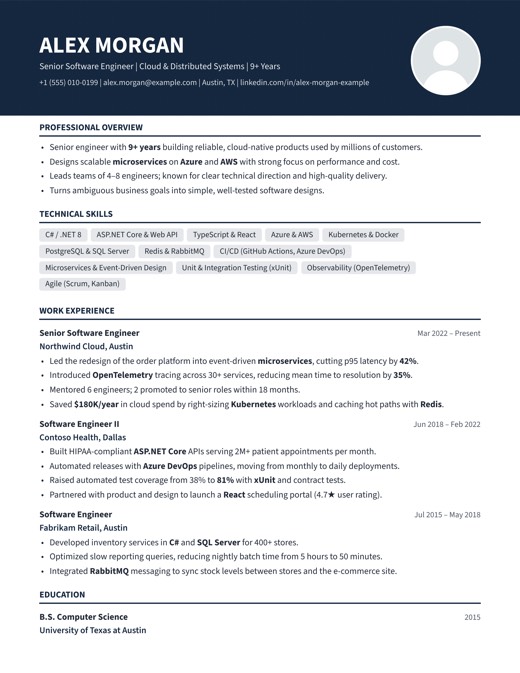
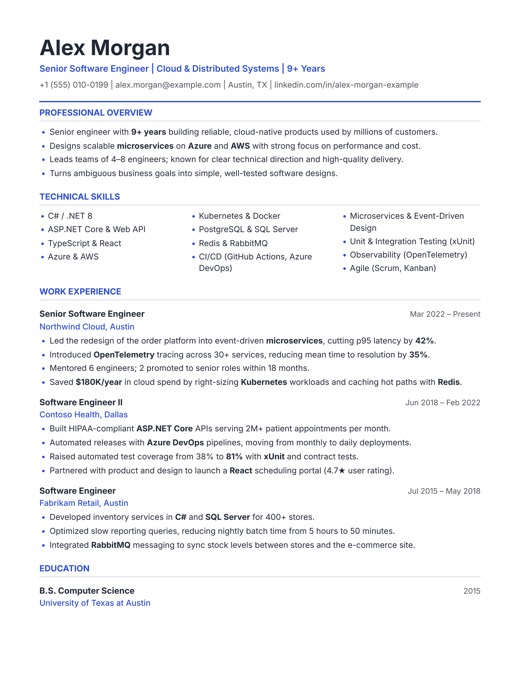
Start with a free resume template: edit online, get pre-written content for your field, and download your resume as a PDF without paying or signing up.

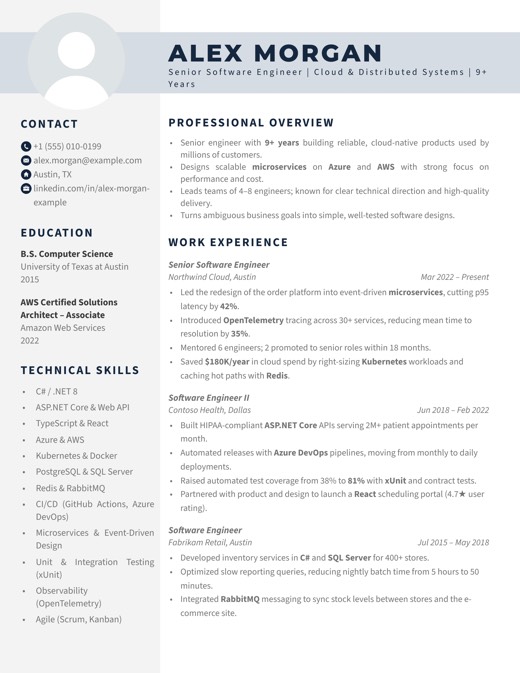
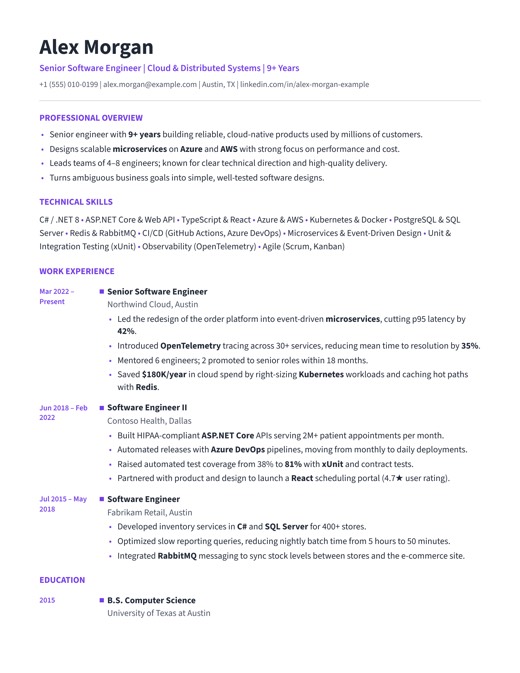
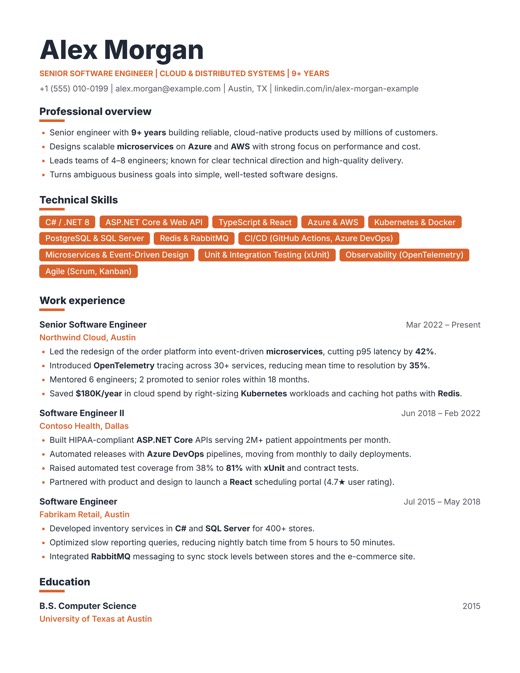
Signature free resume template
FREE

Signature

Striking two-column design with a round photo, contact icons and a tinted sidebar.

  • Edit online with a live preview
  • Pre-written content for 12 careers
  • Free PDF download, no watermark
Use this free template
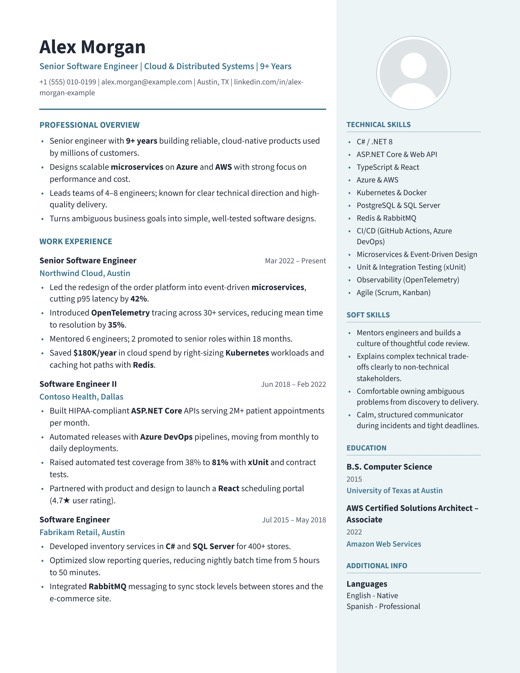
Sidebar Pro free resume template
FREE

Sidebar Pro

Main story on the left; skills, education and languages in a tinted sidebar.

  • Edit online with a live preview
  • Pre-written content for 12 careers
  • Free PDF download, no watermark
Use this free template

Everything you need for a stronger application

Thoughtful details that help your resume look great to people and parse cleanly in software.

Ready-made for your field

Choose from 12 fields, including nursing, teaching, engineering, finance, sales, marketing, HR, design and software, and 8 experience levels. Your resume is pre-written; you just adjust it.

Live preview

Every change appears instantly on a true-to-print page, so what you see is exactly what you download.

ATS & AI-screener friendly

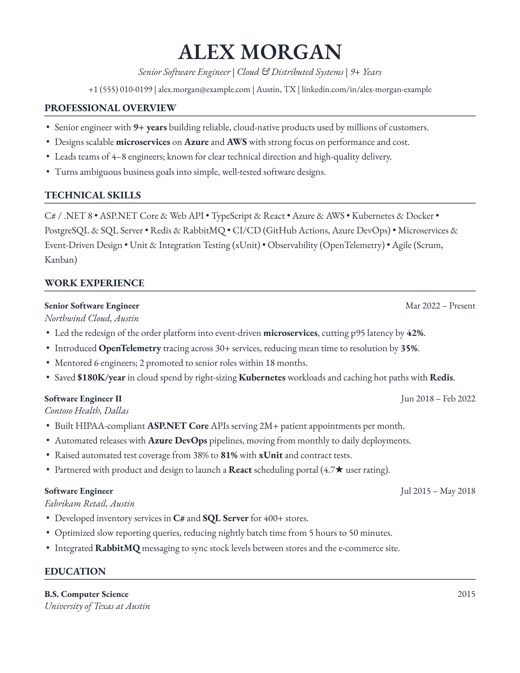
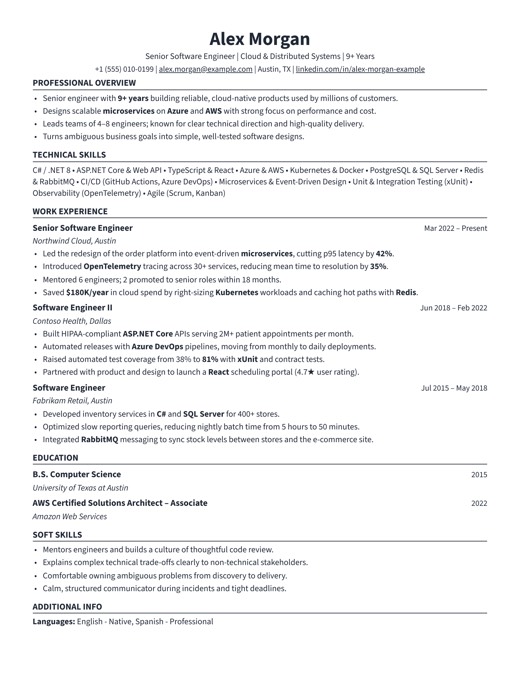
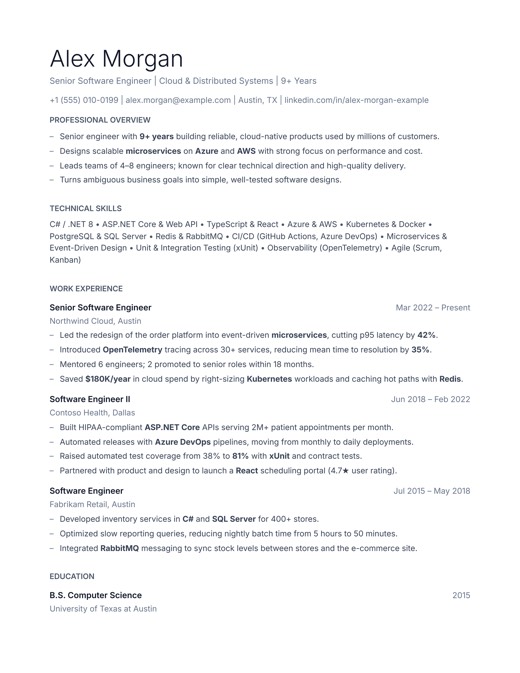
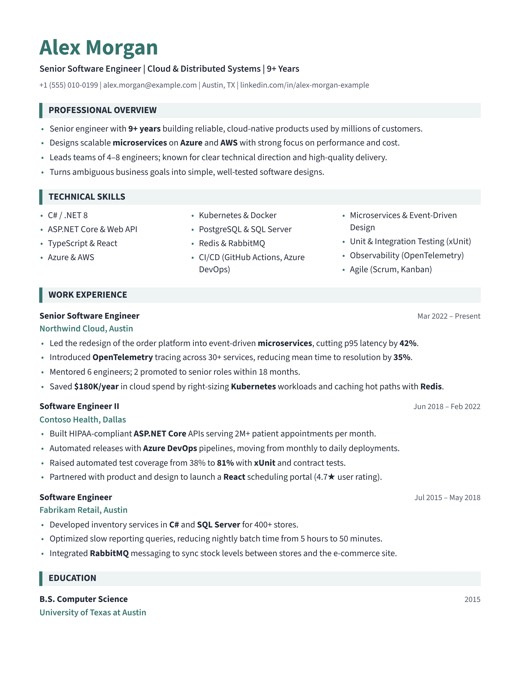
Real text in a logical reading order, standard headings and no text boxes, tables or skill bars, so ATS parsers and AI screening tools read every line correctly.

Upload or import from LinkedIn

Upload your existing PDF, Word or text resume, or the PDF of your LinkedIn profile, and the editor fills in automatically. Review, polish, done.

Smart page fit

If just a few lines spill onto an extra page, spacing is gently tightened so your resume ends cleanly.

Your colors

Switch designs in one click and pick any accent color. Your content stays exactly as you wrote it.

Structured PDFs

Vector text plus tagged headings, lists and bookmarks: print-ready for people and machine-readable for ATS and AI tools.

Saved as you type

Your draft is saved automatically in your browser, so you can close the tab and continue later. No account needed.

Designs picked for your field

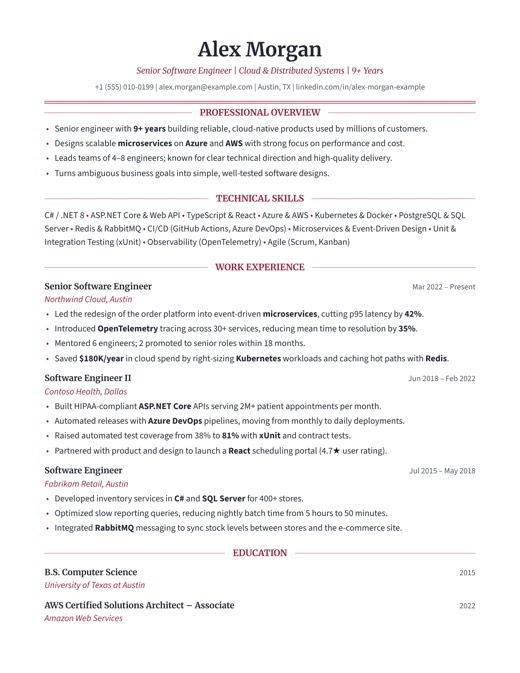
Every career comes with recommended templates, from classic serif for finance and law to bold and modern for marketing and design.

Free and premium resume templates

Start free, or pick a premium design with a top ATS rating. Every design shares the same content, so you can switch any time.

Your resume in three steps

  1. 1

    Pick your field & level

    Fresher, 2+, 5+ up to 20+ years. We fill in a summary, skills, experience and education written for that stage.

  2. 2

    Choose a design & adjust

    Pick a recommended template, then replace company names, dates and numbers. Or import your LinkedIn profile or existing resume instead.

  3. 3

    Download your PDF

    Confirm your details and download a print-ready PDF that applicant tracking systems can read.

What makes a resume ATS- and AI-friendly?

Most employers use applicant tracking systems (ATS) to collect and search resumes. These systems turn your PDF into plain text, so how your resume is built matters as much as how it looks. AI screening tools that summarise and rank candidates usually start from that same extracted text, so the same rules apply to them.

  • Real, selectable text in a logical reading order
  • Standard section headings like Experience, Education and Skills
  • Contact details in the page body, not in headers or images
  • No tables, text boxes, icons-as-text or skill bars
  • Consistent dates and readable 10–12 pt fonts
  • Tagged PDF structure that AI tools can follow
Read the full ATS & AI resume guide →

Built into every resume you download

Every PDF is designed so applicant tracking systems and AI screening tools can read your complete resume:

  • Name, email, phone and LinkedIn as plain, searchable text
  • Standard section headings read as whole words
  • Sections in a clean, logical reading order
  • Tagged PDF structure with bookmarks

Frequently asked questions

Is the resume builder really free?

Yes. Creating, editing and previewing your resume is free, and our free resume templates can be downloaded as a PDF at no cost, with no sign-up and no watermark. Premium designs with the highest ATS ratings are available for a small one-time fee per download, paid securely with Razorpay.

Are the resumes friendly to AI screening tools?

Yes. AI screeners typically extract the text from your PDF (or read its structure) before a language model evaluates it. Our ATS-focused designs give them clean, correctly ordered text, standard headings, contact details as plain text and a tagged PDF structure, with no letter-spaced headings, icons-as-text or text boxes that confuse them. How an AI ranks you still depends on how well your experience matches the job, so tailor your content to each role.

Are the templates ATS-friendly?

Ten of our eleven templates are single-flow designs built specifically for applicant tracking systems: real text, standard headings and no tables or text boxes. The Signature design uses a sidebar and decorative spacing, so we recommend it for direct applications rather than online portals.

I'm a fresh graduate. Can I still make a strong resume?

Yes. Choose your field and "Fresher" and we create a resume that leads with your education, internship, academic projects, achievements and skills, the sections recruiters look at for graduates. You then add your own college, projects and details.

Which fields and experience levels are supported?

Twelve fields: software, data analytics, digital marketing, sales, accounting and finance, HR, mechanical, civil and electrical engineering, nursing, teaching, and graphic and UX design. Each covers eight levels: fresher, 2+, 5+, 8+, 10+, 13+, 15+ and 20+ years.

Can I upload my existing resume?

Yes. Upload a PDF, Word (.docx) or text file and the editor is filled in automatically. Because every resume is formatted differently, please review each section before downloading.

Can I import my LinkedIn profile?

Yes. On your LinkedIn profile, click Resources (or More), then Save to PDF, and upload that PDF with Import from LinkedIn. We fill in your headline, summary, experience, education, certifications, skills and languages, and lay them out in the design you choose. LinkedIn's PDF has no photo, so add one if your design uses it.

What happens to my information?

Your draft is saved only in your own browser while you edit. When you download, export, import or upload a resume (including a LinkedIn PDF), a copy of the resume and the name, email and phone on it are shared with the site owner, and we always ask for your agreement first. Details are in our Privacy Policy.

Should I include a photo?

In the US, UK and Canada photos are usually left off resumes. In some other countries they are common. Templates that support a photo let you switch it on or off.

How long should my resume be?

One page is typical for early-career candidates and two pages for experienced professionals. Our smart page fit keeps the last page from ending with just a few stray lines.

Which file format should I send?

Most online applications accept PDF. Our PDFs contain real, selectable text with tagged structure, which is what parsing software needs. If a job portal specifically asks for Word, follow its instructions.

Ready to make your next application count?

Free, no sign-up, and your draft is saved in your browser as you type.

Build my resume
An unhandled error has occurred. Reload 🗙

Rejoining the server...

Rejoin failed... trying again in seconds.

Failed to rejoin.
Please retry or reload the page.

The session has been paused by the server.

Failed to resume the session.
Please reload the page.